IPTV on your smart TV: which TVs run ZiroTV
ZiroTV is an IPTV app for smart TVs that run Google TV, Android TV or Fire TV, and for every other TV through a stick. Bring the Xtream Codes login or M3U link from your own provider; we sell no channels. Every screen gets 7 days free, with no card.
Smart TVs that run ZiroTV today.
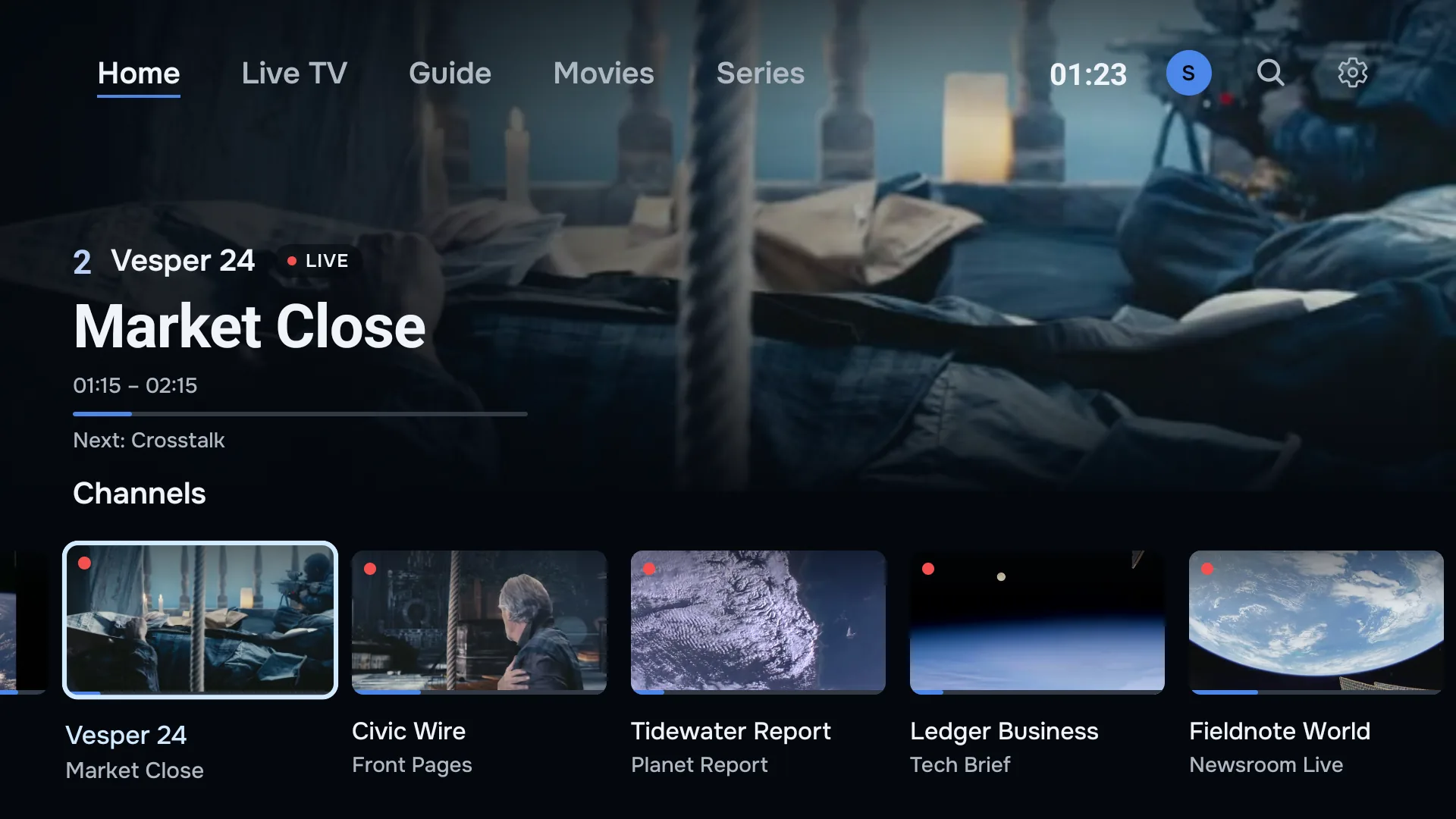
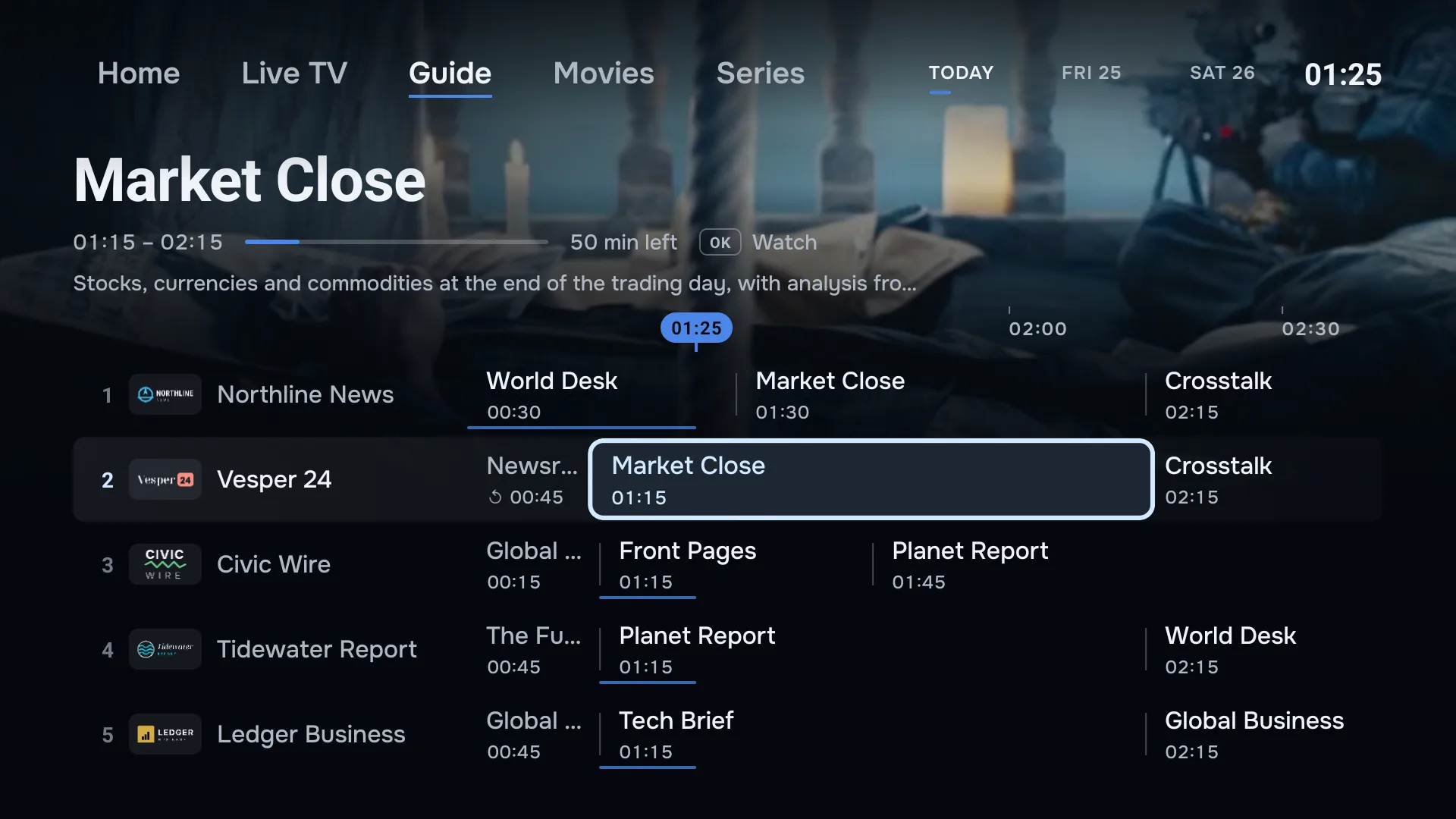
If your TV runs Google TV, Android TV or Fire TV, ZiroTV installs on the TV itself, with no stick and no extra remote. Not sure which yours runs? Watch the logo as the TV starts, or look in Settings under About.
- Sony
- Bravia TVs with Google TV or Android TV, on Android 7.0 or newer. ZiroTV for Android TV.
- Philips
- Philips TVs with Google TV or Android TV. Models on Titan OS cannot install it. ZiroTV for Android TV.
- TCL and Hisense
- Their Google TV and Android TV models. Hisense TVs on VIDAA cannot install it. ZiroTV for Android TV.
- Fire TV built in
- TVs that run Fire TV, on Fire OS 6 or newer, installed like a Fire TV Stick. ZiroTV for Fire TV.
Samsung and LG: in development.
Both run their own systems, Tizen and webOS, and both are getting a ZiroTV app of their own.
Neither is available yet, and there is no date. Until then, a stick runs ZiroTV on either.
Every other TV: add a stick.
Hisense on VIDAA, Roku TV, Vizio, Philips on Titan OS, or a smart TV too old for any app store: any TV with a free HDMI port runs ZiroTV through a stick.
Plug in a streaming device.
A Google TV device or the Fire TV Stick 4K Max in a spare HDMI port, with its own remote.Install ZiroTV.
With the Downloader app and our short code, in a few minutes.Add your playlist.
Your Xtream Codes login or M3U link, typed on the TV or sent from your phone with a QR code.
Smart TV questions.
What is the best IPTV app for a smart TV?
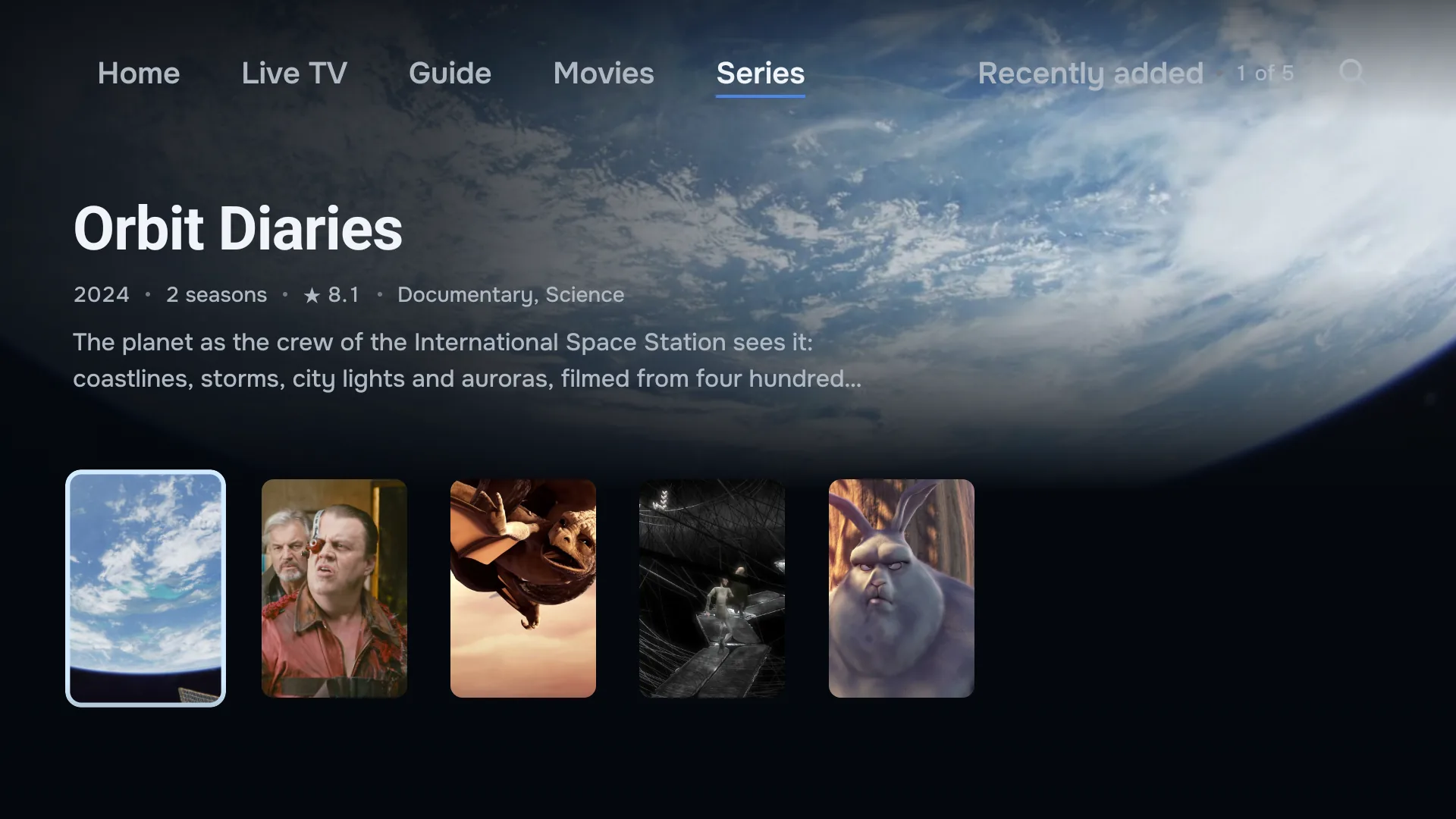
One that runs on the system your TV already has, plays your own playlist with a guide that fills in, shows films and series with their posters, and is easy to read from the sofa. On a Google TV, Android TV or Fire TV set, that can be ZiroTV today. On any other TV, a stick gives you the same app.
How do I tell which system my smart TV runs?
Watch the logo when the TV starts, or open Settings and look under System > About, or Device Preferences > About. Google TV and Android TV say so by name, and a Fire TV set shows Fire OS under Settings > My Fire TV > About. Anything else, such as Tizen, webOS, VIDAA, Titan OS or Roku TV, cannot install ZiroTV yet. The apps for Tizen and webOS are in development: get the launch email.
Does ZiroTV work on a Hisense TV?
On a Hisense with Google TV or Android TV, yes: install it the same way as on any other Google TV. ZiroTV for Android TV. Many Hisense TVs run VIDAA instead, which cannot install it; on those, a Google TV device or the Fire TV Stick 4K Max runs ZiroTV.
Do I need a streaming stick for IPTV on a smart TV?
Does a smart TV count as one of my screens?
Yes. Every plan covers two screens, and each TV or stick you sign in on counts as one. A TV with a stick plugged in counts once, for the stick that runs ZiroTV.
Get ZiroTV on your TV tonight.
Download the app, add your playlist and enjoy 7 days on us.
Already have an account? Sign in at app.zirotv.com